Layer height
Layer height is the thickness of each printed layer. A lower layer height reduces stepping on sloped and curved surfaces and improves vertical detail. More layers are needed, so printing takes longer.
This page explains the key settings customers encounter when ordering: layer height, infill, walls, supports, material, and surface quality.
In FDM/FFF printing, plastic filament is heated, pushed through a nozzle, and laid down along a defined path. The printer repeats this process layer by layer until the digital model becomes a physical object.
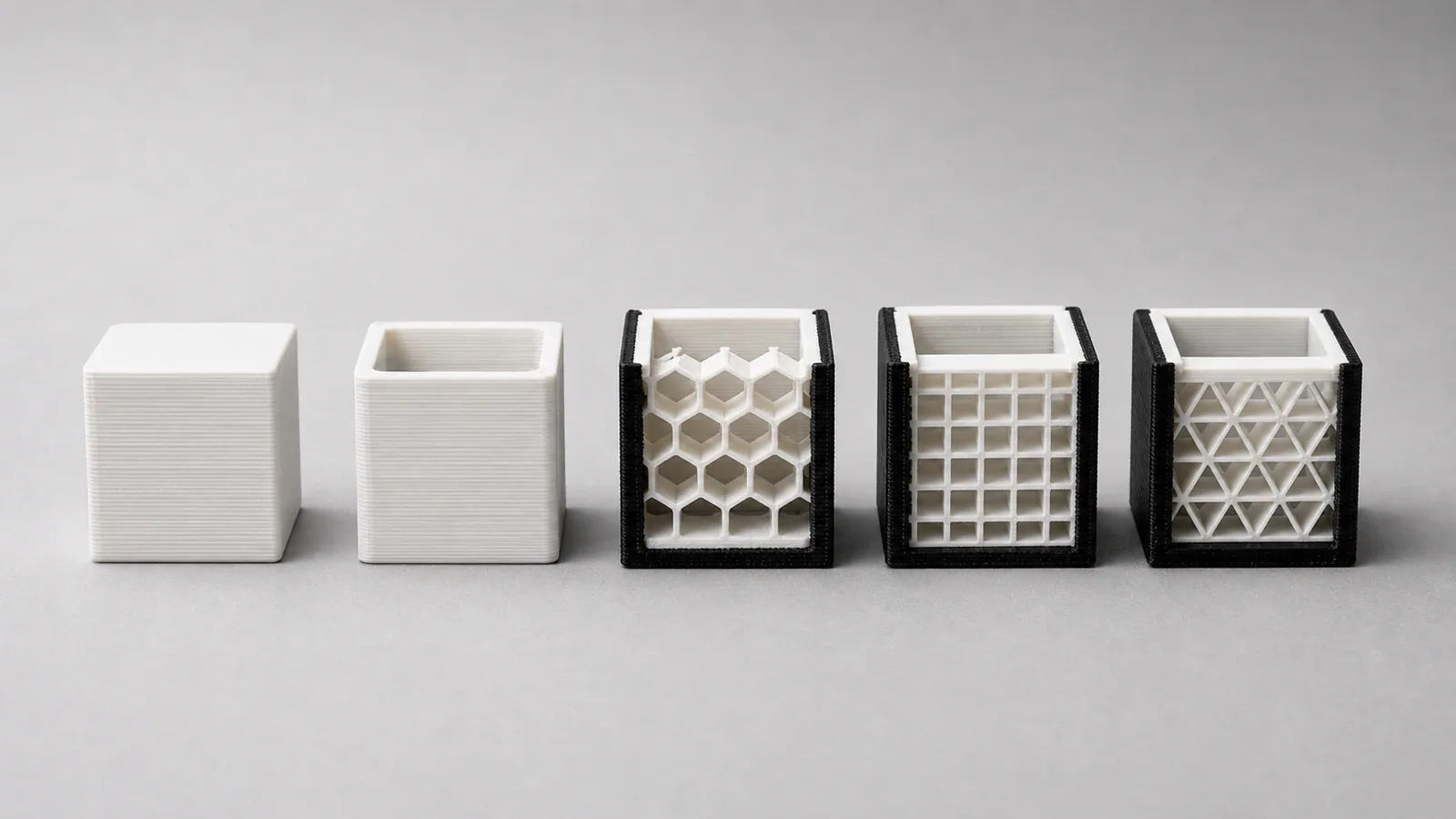
These settings most often affect the appearance, price, strength, and lead time of a 3D-printed product.
Layer height is the thickness of each printed layer. A lower layer height reduces stepping on sloped and curved surfaces and improves vertical detail. More layers are needed, so printing takes longer.
Infill is the internal structure of the model. It supports top surfaces and affects weight, print time, material use, and strength under load. Many decorative products do not need a high infill percentage.
The outer shell is often more important for strength than simply increasing infill. More perimeters can make a functional part stronger and more reliable without making the part fully solid.
Supports are temporary structures under overhangs. They make complex shapes printable, but increase print time and material use and may leave small marks where they touch the model.
PLA works well for decor and prototypes. PETG is often chosen for functional parts for its toughness and heat resistance. TPU is flexible. ABS and ASA can be useful for technical products, but require more careful control of printing conditions. The right choice depends on the specific material, loads, and operating temperature.
Print orientation affects layer visibility, strength, support marks, and sometimes price. The best-looking orientation is not always the strongest, so it should be chosen for the part’s intended use.
These presets help you choose an option without needing to understand every slicer setting.
Send us your model. We’ll review the file and recommend the material, layer height, infill, orientation and finishing. You’ll know which quality level suits your project.
Ask for a recommendation